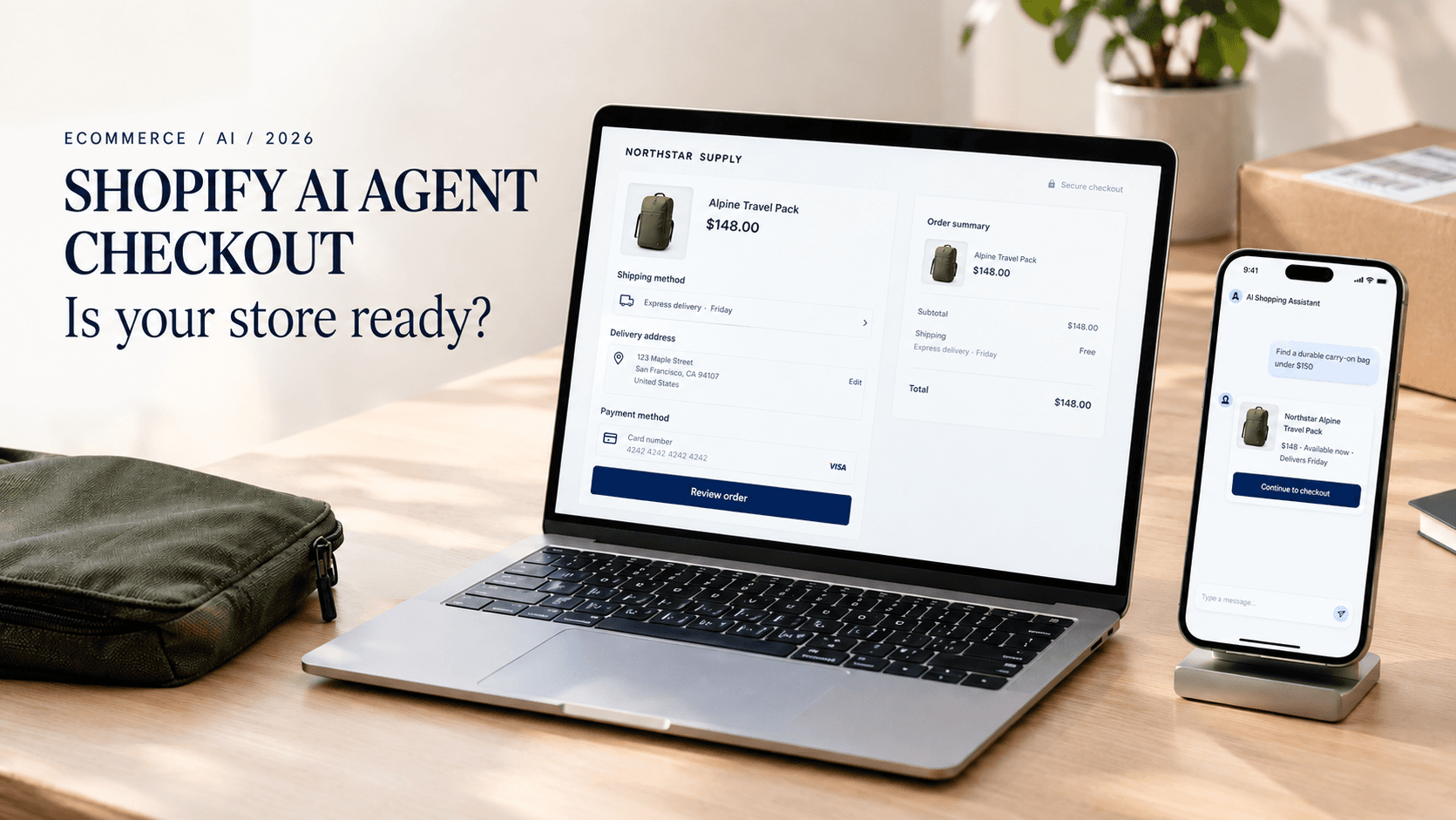
Shopify AI agent checkout is moving from an experimental idea into a real commerce channel. In late September 2026, Shopify expanded agentic commerce by enabling eligible browser-based AI agents to work through checkout, including Shop Pay. Agents can retrieve checkout details, update permitted information, and submit an order once the buyer has authorized payment. Availability and buyer handoff requirements vary by channel, merchant configuration, and eligibility, so check the Agentic section of Shopify Admin before assuming anything about your own store.
The bigger question isn't the technology itself. It's what happens to your store when an AI agent becomes part of the buying journey, and whether it can actually understand your products, prices, and policies.
TL;DR
Shopify's late-September 2026 updates let eligible browser-based AI agents work through checkout, including Shop Pay, with buyer authorization.
Eligible stores can manage AI sales channels through Sales channels → Agentic in Shopify Admin; checkout behavior differs by channel like ChatGPT, Microsoft Copilot, and Google AI Mode.
Shopify publishes AI discovery files (agents.md, llms.txt) on every store by default, though the content is generic until customized.
AI readiness is also an operations problem: product data, policies, and the systems behind your store all need to stay consistent.
What Is Shopify Agentic Commerce?
Agentic commerce is different from a traditional shopping experience. Instead of a shopper searching Google, visiting a store, and checking out themselves, an AI agent can handle parts of that journey for them.
Traditional ecommerce: Search → Website → Product page → Cart → Checkout
Agentic commerce: AI conversation → Product discovery → Comparison → Cart → Checkout
Shopify's own definition is direct: AI agents make decisions across the shopping journey, built on the Universal Commerce Protocol (UCP), an open standard co-developed with Google. For merchants, the practical takeaway is that this depends on the same underlying information your store already has, products, prices, inventory, and policies. Source: Shopify.
What Changed in Shopify's AI Checkout
Starting around September 21, several eligible US merchants had Shop Pay checkout for AI agents turned on by default, with the option to opt out through Shopify Admin under Sales channels → Agentic → Meta channel. Source: Yahoo Finance.
On September 28, Shopify expanded this with tools that let browser-based agents inspect a checkout, change permitted details like the delivery address, and submit the order. Shopify's own developer documentation is specific about the limits here: a general checkout session commonly returns a status requiring buyer review, with a link that sends the shopper back to the merchant's own checkout to finish. An agent can only complete a purchase directly when the session is fully ready and authorized. Source: Shopify Developer Docs.
Separately, Shopify's developer changelog confirms every store now includes a default agents.md file at /agents.md, with /llms.txt and /llms-full.txt pointing to the same content unless a merchant customizes them individually through their theme. This rolled out starting in May 2026. Source: Shopify Developer Changelog.
Why This Matters for Shopify Merchants
Shopify says AI-driven traffic to its stores grew 197% year over year in Q2 2026, while orders from AI-powered searches roughly tripled. These are Shopify's own figures, so treat them as a signal of direction rather than a universal benchmark. Its 2025 Holiday Report found 64% of shoppers say they're likely to use AI when making a purchase, rising to 84% among 18 to 24 year olds. McKinsey separately estimates agentic commerce could generate $3 to $5 trillion globally by 2030. Sources: Shopify, Digital Commerce 360.
The practical question for merchants: can an AI agent accurately understand your store today?
6 Things to Check Before Your Store Is Agent-Ready
1. Clean up your product data. An agent reads structured fields, not photos. Titles, descriptions, prices, variants, and categories should be complete for every product.
2. Make your policies easy for AI to understand. Shipping, returns, and warranty information should live on clear, crawlable pages, not buried in a PDF or footer link.
3. Check your Agentic Storefront settings. For eligible stores, these are active by default. Go to Sales channels, then Agentic, in Shopify Admin and review what's actually turned on.
4. Check what AI agents can discover. Shopify automatically publishes agents.md and llms.txt, but the default content is generic. Customize it so AI systems get real information, not boilerplate.
5. Start measuring AI-driven traffic. Don't wait until it's a major channel before tracking it. Monitor AI-referred sessions and revenue where your analytics provide that data.
6. Confirm the data behind your storefront is actually accurate. An agent can discover a product successfully and still create a bad experience if inventory, shipping promises, or order status are stale or inconsistent across Shopify, your fulfillment tools, and customer support. The goal isn't just making your site readable by AI. It's making the information reliable from discovery through fulfillment.
An agent can only sell what it can understand. If your product data would confuse a new employee on their first day, it probably isn't clear enough for an AI agent either.
What this doesn't mean: AI agents aren't replacing your normal Shopify storefront, and not every order becomes fully autonomous. Availability varies by channel and merchant configuration, and many purchases still require buyer review or a handoff to your store's own checkout.
How Axonari Helps
Most Shopify stores weren't built with AI agents in mind. Product catalogs grow organically, policies get added wherever they fit, and different tools handle inventory, orders, and customer data without always talking to each other. That doesn't break a normal storefront, but it does make it harder for an AI agent to read your store correctly.
Axonari helps ecommerce businesses close that gap: auditing product and store data for completeness, connecting the systems you already run so the information an agent sees stays accurate, and building AI automation around existing workflows where it makes sense. The goal is identifying the specific gaps between how your systems work today and what agentic commerce requires, not treating AI-readiness as a checkbox.
Get an AI-commerce readiness audit. Axonari reviews your top product pages, product data, policies, Agentic settings, and the operational systems behind them, then hands you a prioritized list of fixes, separating quick data cleanup from larger website or workflow projects.
What Agentic Commerce Means for Shopify SEO
If you're wondering how to make a Shopify store ready for AI agents, the starting point isn't a new app or a redesign. It's making your existing product, policy, and store data accurate and accessible.
Agentic commerce doesn't make traditional SEO irrelevant, if anything, it makes it more important. AI systems still need reliable information about products and brands, and the same fundamentals, clear product data, structured data, and crawlable pages, support both search rankings and AI visibility. You don't need a separate strategy for every platform, just accurate information on the store you already have.
Quick Checklist
Where to Start
Start with the basics: check your Agentic Storefront settings, review your product data, and make sure your policies and AI discovery files are accurate. You don't need to rebuild your store, just make sure the information it already contains is ready for AI systems to use.